AI in each workspace
Every workspace in IndexOne has one AI setting. That one choice decides who makes the transcript, the note and Ivy's answers for everything in that workspace. You set it in Settings › AI Models.
Checked against IndexOne 3.19.0, released November 14, 2026.
One choice per workspace
Settings › AI Models starts with AI in this workspace. Its subtitle names the workspace it applies to, such as "Applies only to On this Mac." Switch workspaces in the space switcher to set the others: On this Mac, Personal and each of your organizations keep their own choice.
The choice is used for transcription, notes, Ask Ivy, people and topics, facts, translation and the in-meeting assistant.
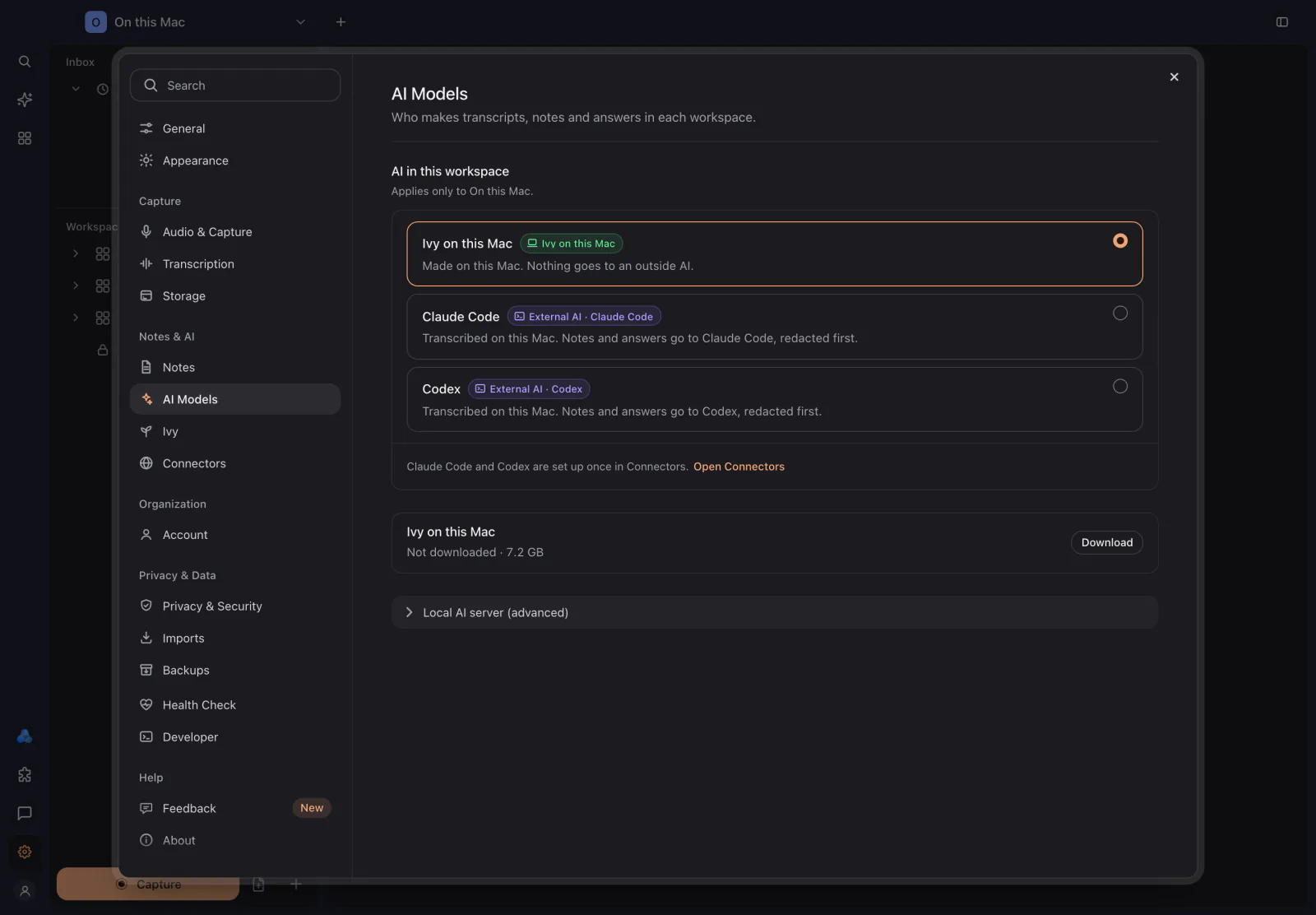
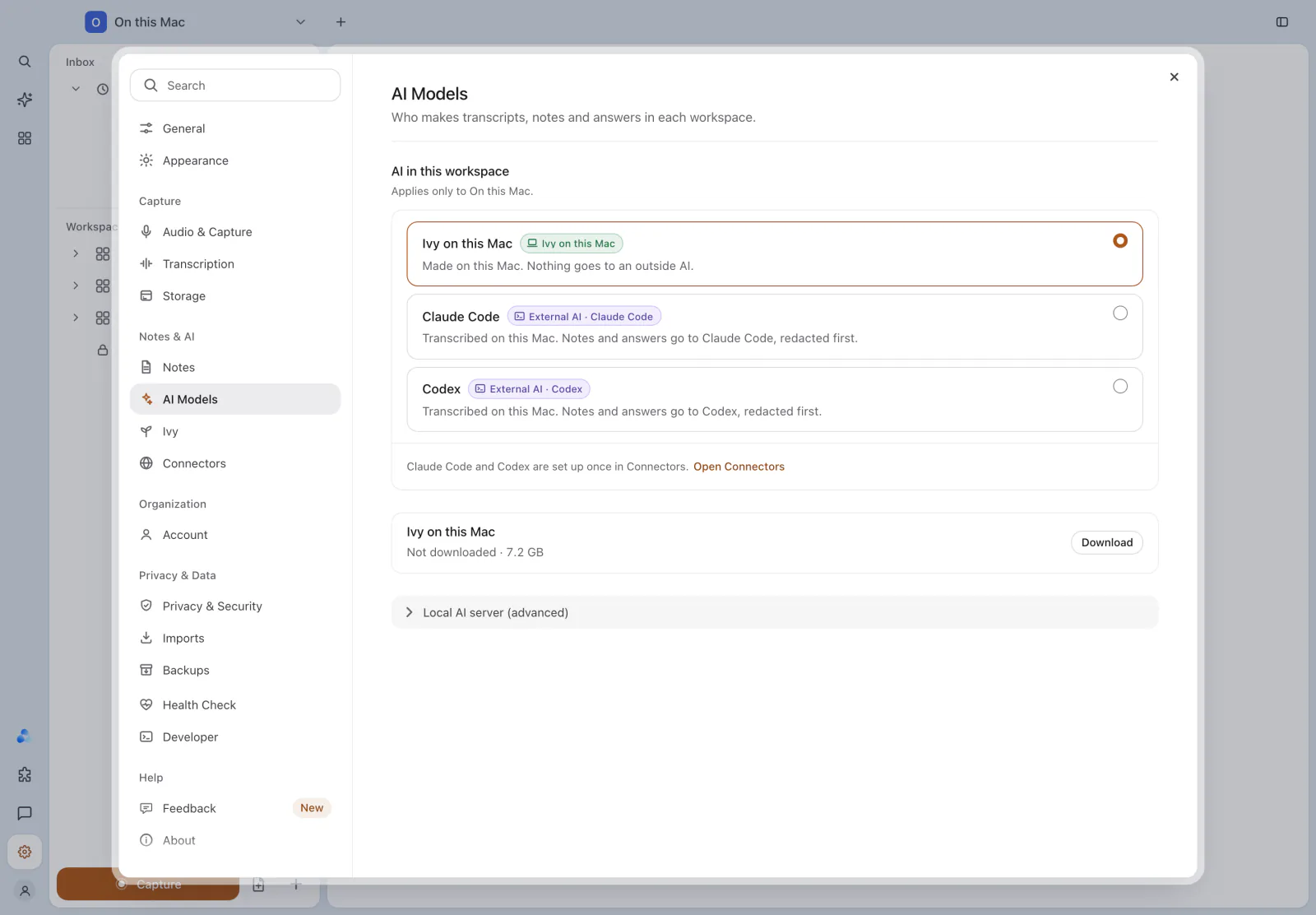
The choices and where your text goes
Each choice carries a badge that says where the work happens.
| Choice | Where it is offered | What happens |
|---|---|---|
| Ivy on this Mac | Every workspace | Made on this Mac. In On this Mac, nothing goes to an outside AI. In Personal or an organization, the recording, transcript and note are then saved to that workspace, with no outside AI. |
| Ivy on the web | Personal and organizations | Recordings go to IndexOne servers, which make the transcript, note and answers. |
| Claude Code | Every workspace | Transcribed on this Mac. Notes and answers go to Claude Code, redacted first. |
| Codex | Every workspace | Transcribed on this Mac. Notes and answers go to Codex, redacted first. |
| Local AI server | Every workspace, once you have set one up | Transcribed on this Mac. A model you run yourself writes notes and answers. See Local AI server. |
Ivy on this Mac is the default. In Personal or an organization, a Mac that does not have enough memory for Ivy starts on Ivy on the web instead.
Claude Code and Codex are set up once in Settings › Connectors under AI connections, then you can pick them in any workspace. A choice that is not ready yet shows Needs setup. Before the first request leaves this Mac, IndexOne asks for your one-time permission, and every request is redacted first; see Redaction and What leaves your Mac.
- Claude Code uses the Claude command-line tool installed on your Mac. You can point IndexOne at a different Claude binary in Connectors; IndexOne asks you to confirm before it uses a new program.
- Codex uses your installed Codex command-line tool. If its card says setup is needed, run
codex loginin Terminal. Each request is ephemeral, and Codex tools, workspace reads, web search and connectors are disabled.
Downloading Ivy
Ivy on this Mac needs its model on your Mac. Nothing is bundled with the app. Under the workspace choices, the Ivy on this Mac row shows its state:
- Not downloaded, with the size and a Download button.
- A progress bar while it downloads.
- Ready, with the size on disk, once it is in place.
- "This Mac doesn't have enough memory for Ivy." on a Mac that cannot run it.
When Ivy is ready, the row also names the model it uses for notes and answers, with its quantisation and context window. After the download, Ivy on this Mac works with the network off.
Transcription with Whisper
When a workspace makes its transcripts on this Mac (every choice except Ivy on the web), speech is transcribed by Whisper, on your Mac. Pick the transcription language and model in Settings › Transcription. The model is downloaded once and reused for every recording. You can also point IndexOne at your own Whisper model file under Custom model file.
With Ivy on the web, the IndexOne server makes the transcript instead.
AI processing in an organization
An organization has one AI processing setting for all of its spaces, including new ones. Owners and admins change it in Settings › Organization › General.
When an organization turns processing on IndexOne servers off:
- Ivy on the web shows "Turned off by your organization" and cannot be picked.
- A workspace that used Ivy on the web moves to Ivy on this Mac, and IndexOne tells you once.
- A recording saved to a space that is processed on the server gets no transcript or note until an owner or admin turns processing back on.
See Organizations for the rest of the organization settings.
Something missing or out of date? Tell us in GitHub Discussions, or send a report from IndexOne with Send feedback.