The lock model
Everything in On this Mac is encrypted at rest. A locked Workspace, folder, note or meeting adds a second layer with its own key, released only by Touch ID or your Mac password. This page explains both layers and what a locked item still shows.
Checked against IndexOne 3.19.0, released November 14, 2026.
Two layers of encryption
The library. IndexOne keeps your library in a database encrypted with SQLCipher. Its key is stored in your Mac's Keychain and read when IndexOne starts, without a Touch ID prompt.
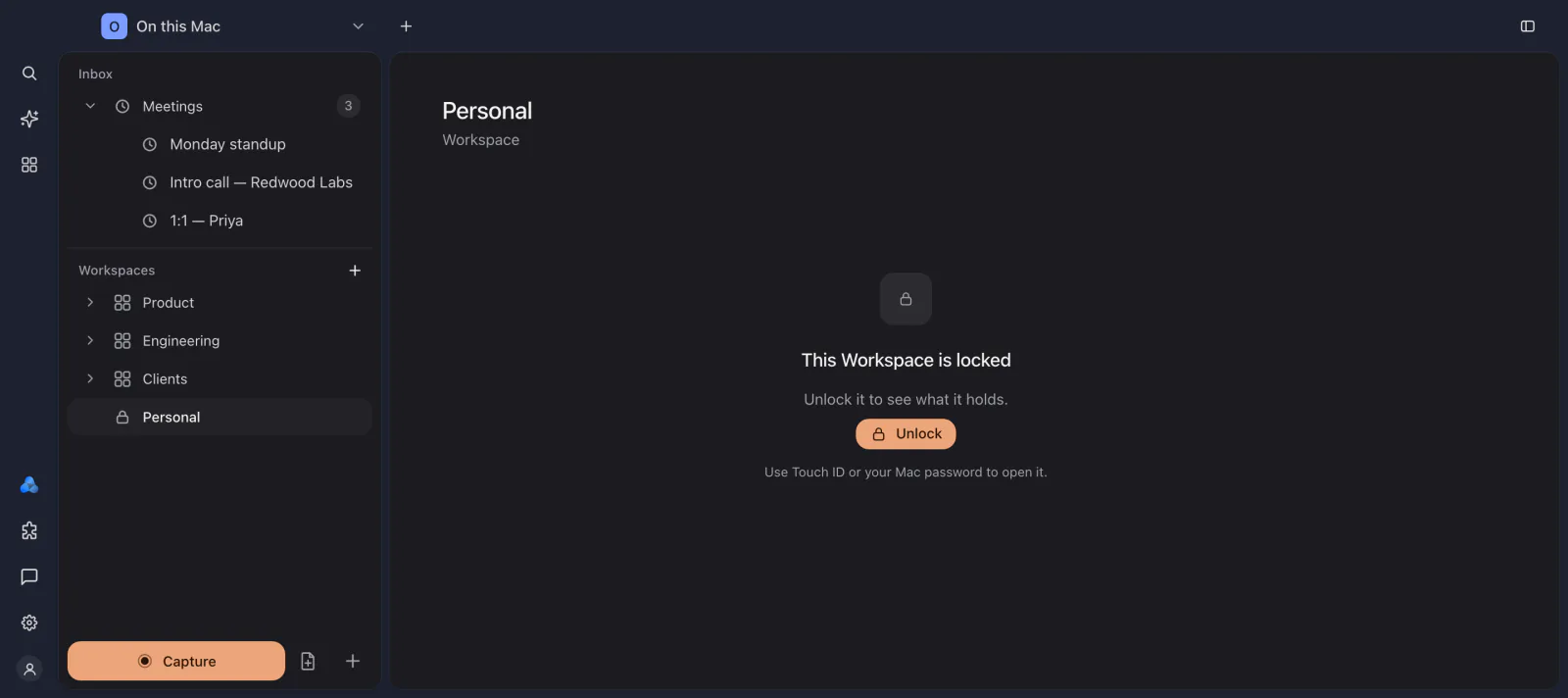
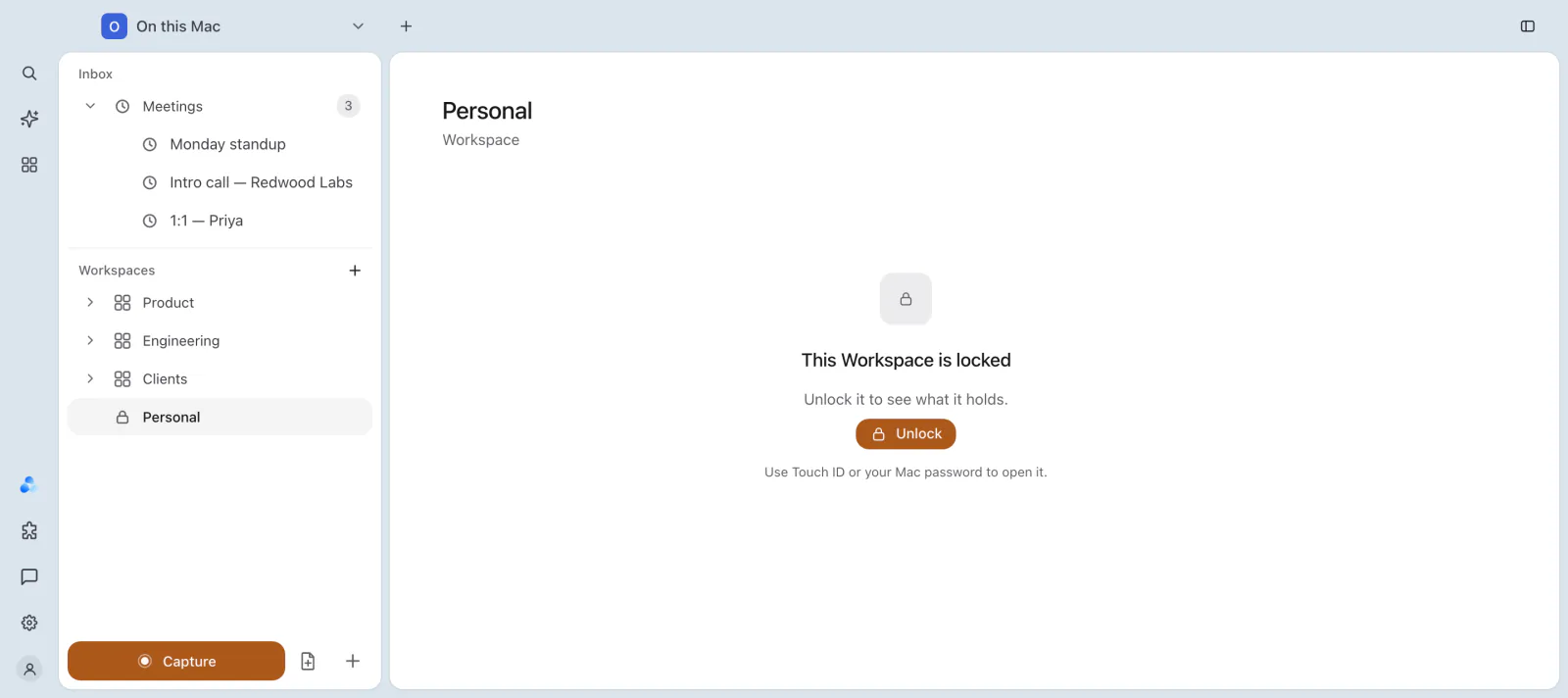
Locked items. When you protect a Workspace, folder, note or meeting, its content is encrypted again with AES-256-GCM, using a key for that folder or item. That key is itself protected by a key in your Keychain that is released only by Touch ID or your Mac password. How to protect and unlock items is on App lock and Touch ID.
Each encrypted piece is bound to the folder and meeting it belongs to, so it cannot be swapped into another place and read there.
What is encrypted in a locked item
- Notes and their text.
- Meeting transcripts and timelines.
- Recorded audio.
- Screen video, with its timeline of window titles, if you recorded your screen.
- Files and images attached to notes.
Before IndexOne removes the readable copy, it decrypts what it just wrote and checks that it matches. If the Mac crashes while it locks, your content is not lost.
What a locked item shows
- A locked Workspace or folder shows its name in the sidebar and nothing else. Opening it says that it is locked and offers Unlock.
- A locked note or meeting is listed as Protected instead of its title, and an open tab hides its title too.
- Tags of meetings in a locked folder stay hidden until you unlock it.
- The Trash says how many of its items belong to a locked folder, but not what they are.
What stays hidden until you unlock
While an item is locked, its contents are left out of:
- search and Ask;
- Ivy;
- the graph and the people and topics IndexOne finds;
- AI apps connected through the local MCP server;
- backups. Locked folders are always left out of a backup, even when they are unlocked for this session.
IndexOne does not write notes into a locked folder. A recording whose folder is locked waits until you unlock it before it is processed.
Unlocking is for this session
Unlocking decrypts the item for this session only. It locks again when you lock it by hand, after the inactivity time you chose, when the app locks, and when you close the window or quit IndexOne. Locking removes the readable copies. The encrypted content underneath is not changed.
When IndexOne detects that screen sharing has started, it locks every unlocked folder and item again, so a shared screen does not show them.
If a key is lost
If the key of a locked folder cannot be read, the folder offers Can't unlock? Reset this folder…. Resetting permanently deletes the folder's locked notes, transcripts and audio, and IndexOne proceeds only if the key really cannot be recovered.
When you move to a new Mac, the library's key does not come with it. Create a backup with Restorable in IndexOne turned on in Settings › Backups on your previous Mac, then restore it from Settings › Imports on the new one. See Backups.
Where the lock model applies
Locks and protection apply to On this Mac. Personal and organization spaces are stored in your IndexOne account, and who can open them is set there. Their copy on this Mac is encrypted. See What leaves your Mac.
Something missing or out of date? Tell us in GitHub Discussions, or send a report from IndexOne with Send feedback.